Workout plans

Workout plan software for your gym floor

The trainer starts from a template, the member opens the plan in the app and logs the loads. When a plan is about to expire you see it in a table, before the member has to ask for a new one.

Workout plan software for your gym floor

Building the plan

From template to the member's plan

Most plans in a gym come from a handful of structures the trainers know by heart. In ShowCloud those structures become templates: open one, swap the exercises that don't suit that person and assign it.

Reusable templates, filtered by category and type
Exercise library filtered by muscle, group and equipment
Blocks run as sets or as a circuit
Percentage loads, converted to kg from the member's test
Mesocycles with linear, undulating or conjugate progression
Copy the first set to all the others in one click
PDF to print for people who still like paper on the floor
From template to the member's plan

After you hand it over

Loads, progress and renewals

A plan nobody looks at again goes stale quickly. The loads a member logs in the app carry over to the plan in a single step, so the next session starts from real numbers.

Sets and loads logged by the member in the app
List of plans about to expire, or already expired
37 assessment modules with automatic scoring and a PDF report
Body measurements charted on the member profile
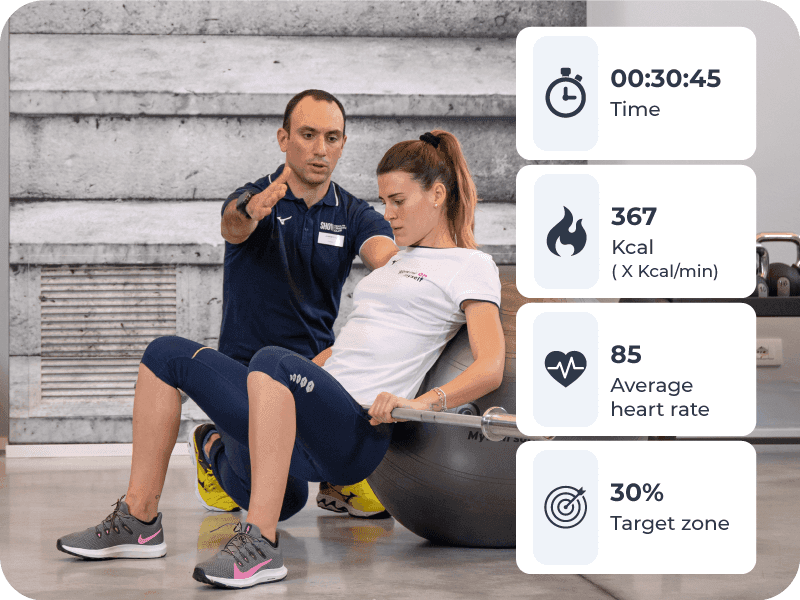
Live heart rate zones during training
AI comments on sessions and heart rate data
Loads, progress and renewals

From the first assessment to the renewal

The full life of a plan, as the person on the gym floor sees it.

  1. You assess the person

    Pick the tests you need from 37 ready modules. Scores are worked out against normative bands and you end up with a PDF report to hand over.

  2. You choose a template and adapt it

    Open the structure closest to the goal, say a full body plan for a beginner, and change what doesn't fit. The library filters by muscle and equipment, which helps when an exercise needs a machine you don't have. A muscle map shows what the plan works on.

  3. You assign and publish

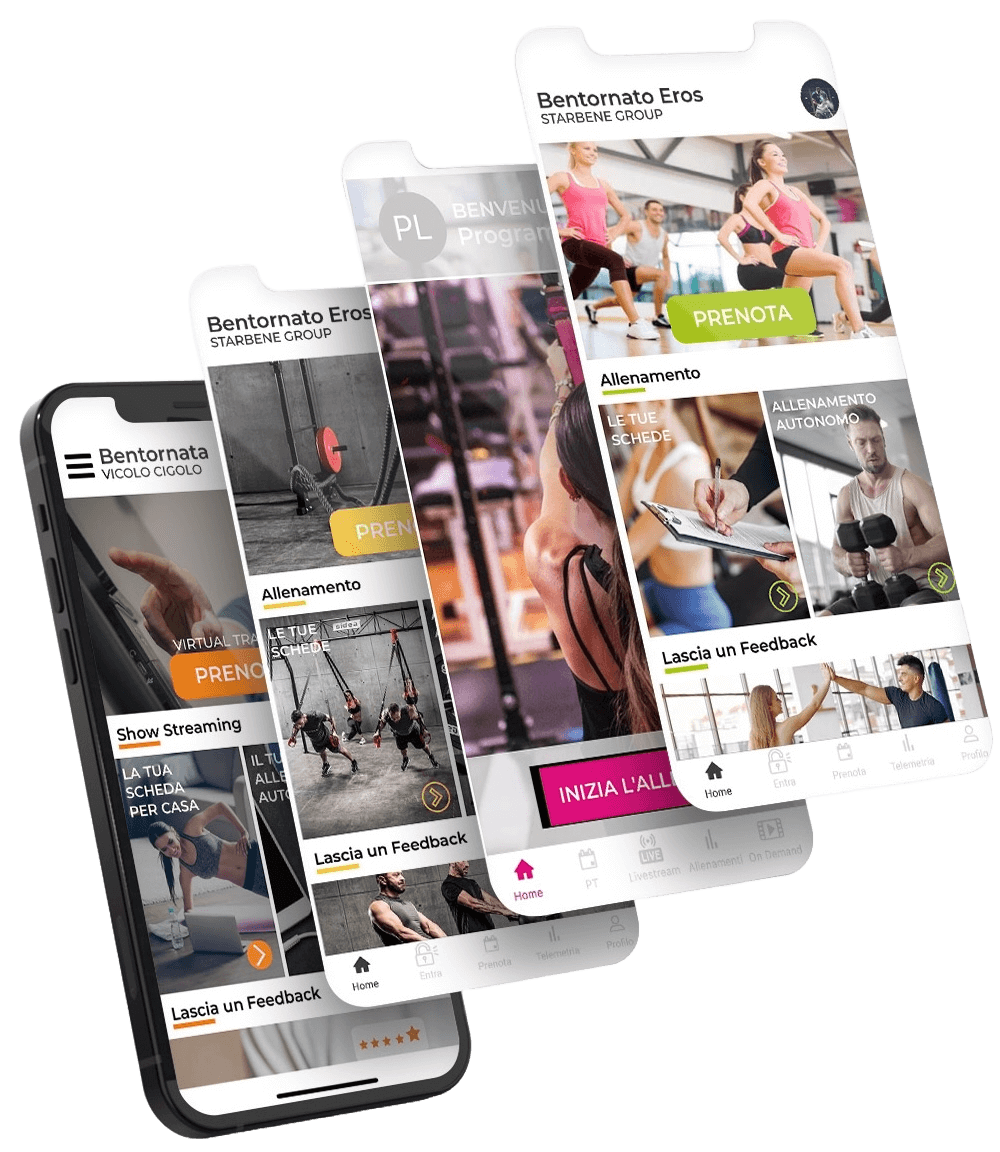
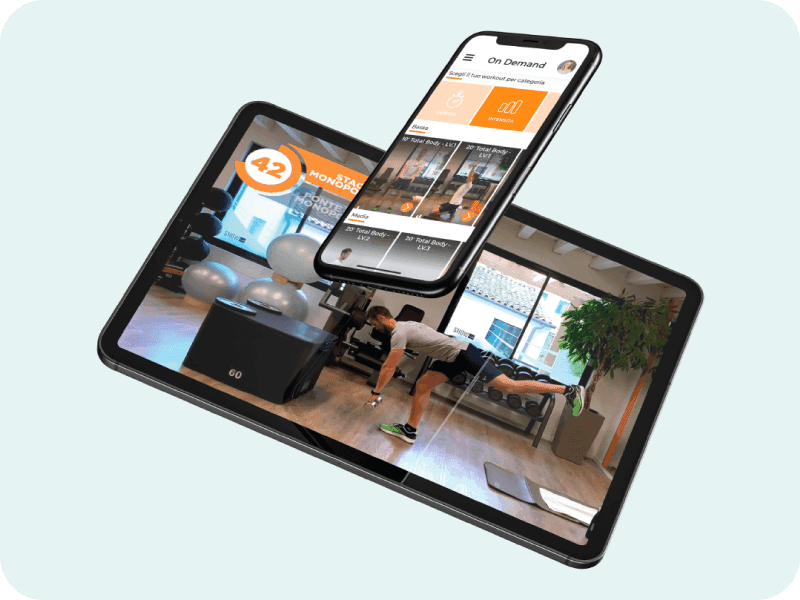
    The plan starts out hidden. Once you publish it the member finds it in the club app, with instructions, photos and video. One template can go to several people at once.

  4. The member trains and logs

    They note the loads on their phone, set after set, and leave a rating and a comment at the end. In clubs that use heart rate straps the trainer reads the zones too.

  5. You update, or renew

    One button compares the plan with the last session and suggests the new loads: untick the ones you want to keep. Renewing creates a copy that stays hidden until you have reviewed it.

Where you notice it most

On the weights floor at seven in the evening

The trainer on shift has someone asking for a new plan, someone waiting for a machine and someone still training from a sheet printed in March. The list of expiring plans moves part of that work to eleven in the morning, when the floor is empty: you renew, correct what needs correcting and publish. The evening is left for people who need to talk.

In a personal training studio

One to one plans change often, sometimes every week. A periodization lines up the mesocycles and shows volume session by session, and the loads the client writes down tell you whether it is time to go up. The rest of the studio, from the calendar to session packs, is on the personal training clubs page.

With a new member

A first test, a simple plan and a review already in the calendar give them a reason to come back. If they start skipping, the attendance badge on their profile changes and you can send a message through marketing automations.

In groups with heart rate straps

During the class the trainer sees everyone's zones and knows who can give a bit more. The data stays in each person's history. The heart rate training page explains how it works in the room.

Workout plan questions

Why not use a free workout plan app?

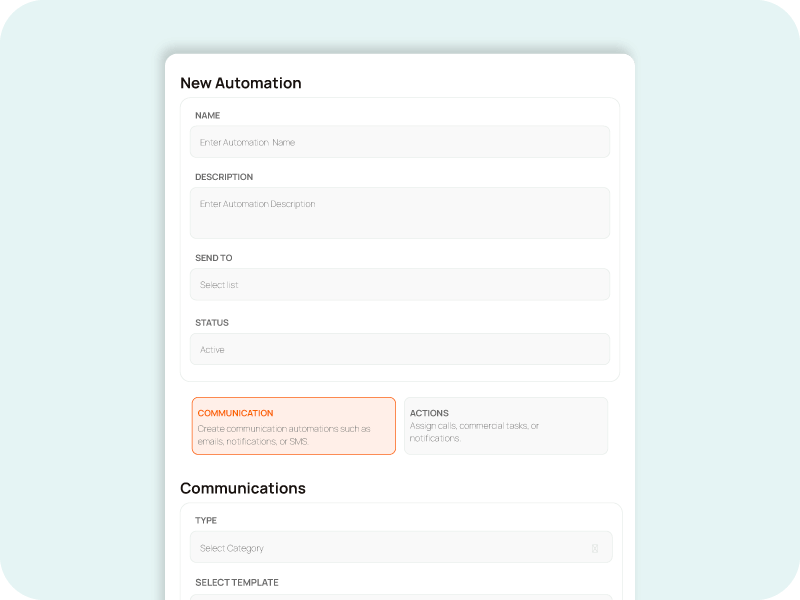
If you coach a few people, a free app may be enough. In a gym you also need to know which plans are expiring, whether the member still comes and whether the membership is valid. In ShowCloud the plan sits on the same profile as membership, bookings and attendance.

Can members see the plan on their phone?

Yes, in the club app, where they can also log loads while they train. With the white-label app they see it under your gym's brand.

Can I print plans?

Yes, as a PDF, with the gym logo and the names of the member and the trainer.

How do I bring over the plans I already use?

You rebuild the structures you repeat most as templates, once, and reuse them with everyone. If you have a large archive, bring it to the demo and we will work out which plans to start from.

What does the AI do?

It comments on training sessions and heart rate data so the trainer reads progress faster. The trainer decides the plan.

Do I need a heart rate monitor?

No. Templates, loads, tests and renewals work without one. You need the strap if you want to train by heart rate zone.

From the blog

Three reads for people who work with members and clients.

Bring a plan you really use to the demo

We rebuild it together in ShowCloud, so you see how long it takes and what the member gets on their phone.